Schema manager
After schema creation, the Schema Manager comes into play. In Lumenore, the Schema Manager is a powerful tool that enables users to customize and manage their dataset schemas to tailor insights and outputs to their needs. It provides features such as a Data Dictionary for comprehensive schema management, a Hierarchy that organises data for drill down analysis, and Variables for dynamic and complex calculation. Users can also define Synonyms for better data accessibility, set Preferences for personalized data interaction, and use Minify to optimize schema performance.
These capabilities help users organize, optimize, and personalize their data, leading to more effective analysis and reporting. The Schema Manager is essential for maximizing the utility and effective use of data within Lumenore, ensuring that generated insights are relevant and actionable.
Ways to access the Schema Manager in Lumenore:
- Navigate to “Ask Me” and click “Manage Schema” to open the Schema Manager window.
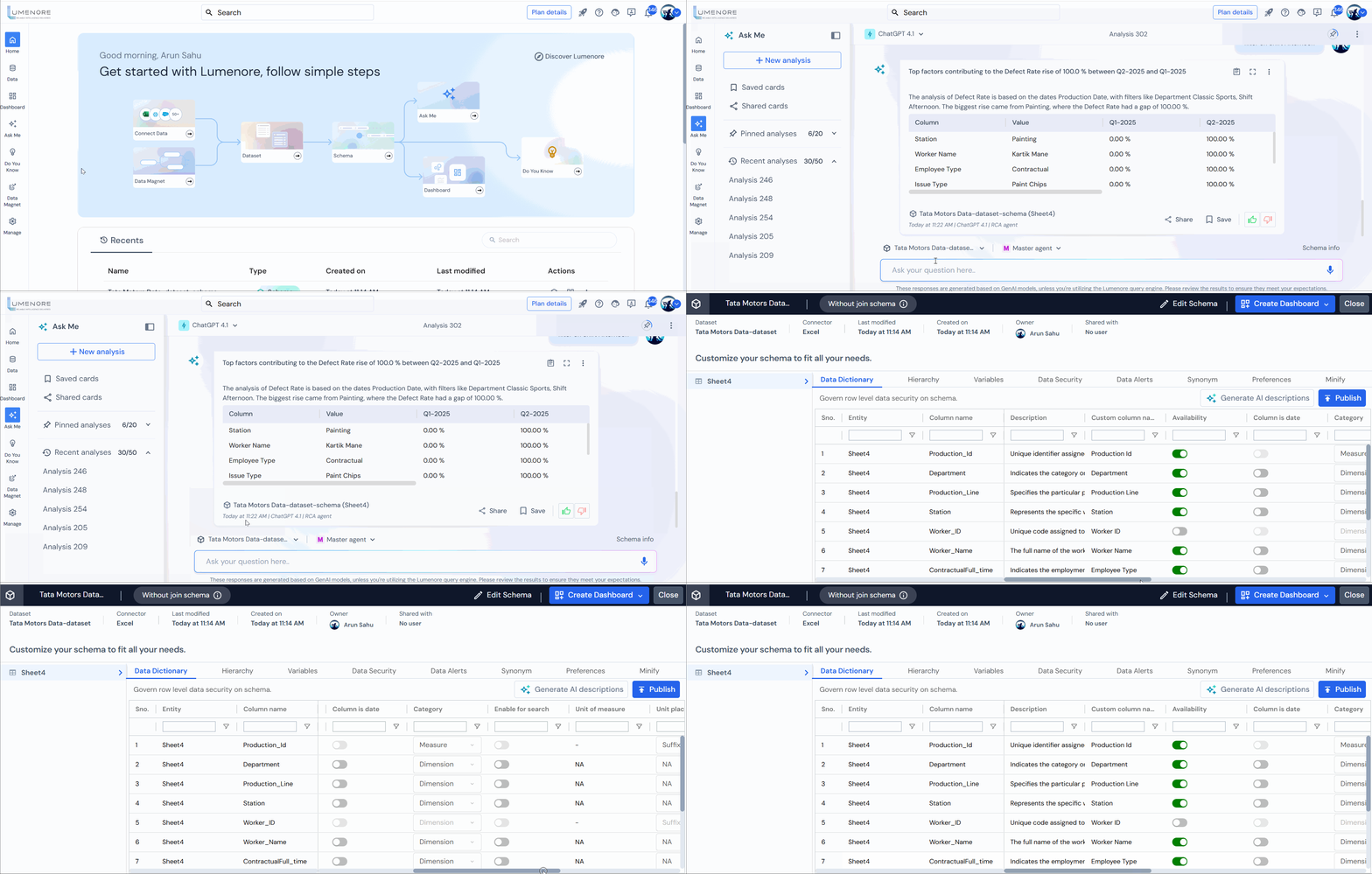
On the other hand, click “Switch Schema,” then select “Manage” next to the schema you want to manage.
- In the dashboard, you can find the “Manage Schema” option in the left panel.

- In the Data module, you can access the “Manage Schema” option by clicking the “Manage Schema” icon next to the desired schema.

After successfully creating a new dataset through Lumenore Connect and completing the schema creation steps, you will be directed to the Manage Schema page.
Features available in the “Schema Manager” are listed below:

