Custom Layout
A custom chart refers to a chart or graph created with specific, personalized settings and configurations based on the user’s preferences or requirements. Instead of using default settings, a custom chart allows you to tailor the visual representation of data according to your needs. This can involve adjusting colors, labels, axes, and other elements to more effectively communicate the information you want to convey.
In short, it is a powerful tool for presenting information in a way that suits you best.

In Lumenore dashboard creation panel upon selecting the “Custom” option, you will encounter a range of template choices. Simply click on any of the available templates. As an illustration, let’s choose template 4 for demonstration purposes.

Next, tap the “+” icon to include the following options:
- Charts
- Micro Chart
- Text/Widget
- Grid
- Image
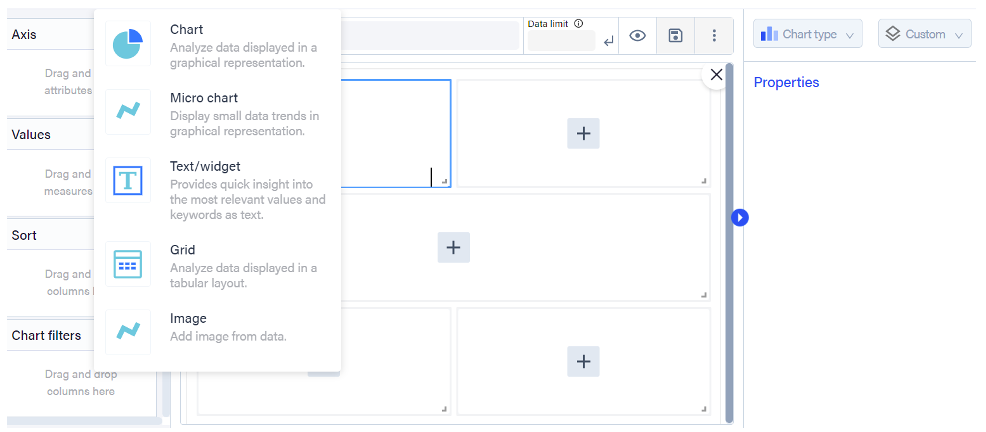
Let’s learn more about the options.
Charts: Generate a chart by choosing attributes and measures. Once the selection is made, you can choose any chart type discussed earlier from the chart type section.
Micro Charts: Micro Chart is designed to depict small data trends; it allows you to choose one measure and one attribute. Once the selection is made, you can opt for any of the three available micro charts from the chart type section.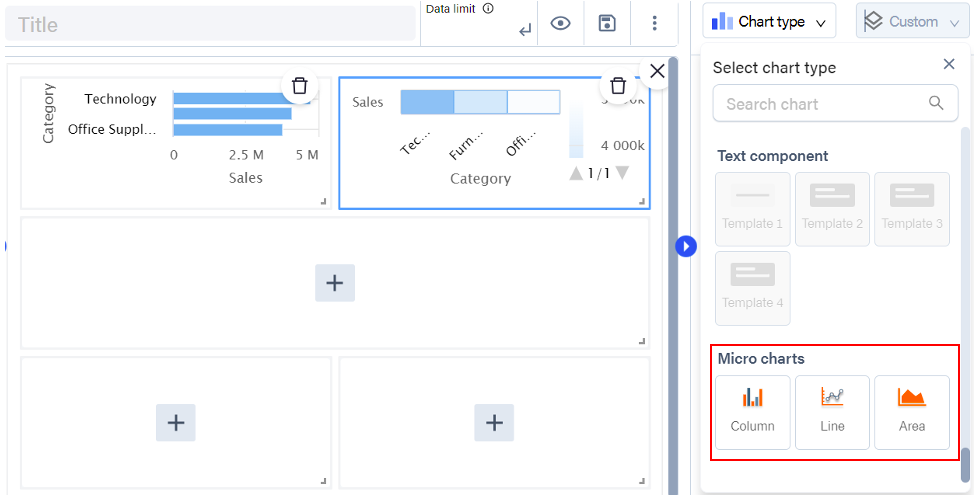
Text/Widget: Choose a single measure, then select any textual component from the options available under the chart type section.

Grid: Include at least one attribute to generate a grid. You can now choose any table chart option available under the chart type section.
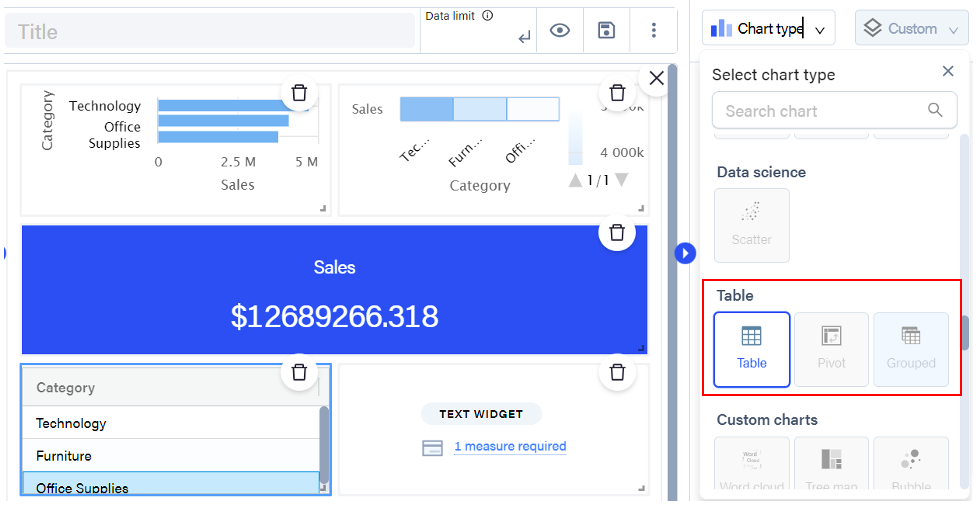
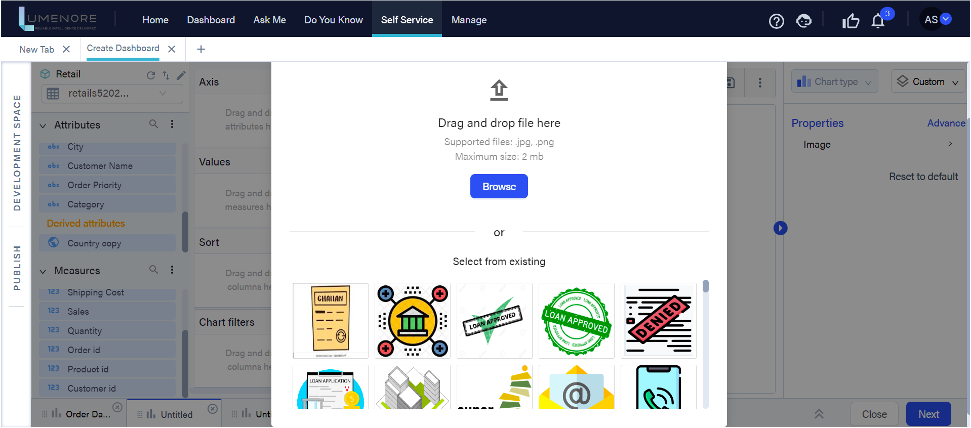
Image: Select one attribute and use the custom image component.
This component is designed to offer flexibility and customization, enabling users to enhance the visual aspects of their application with unique images tailored to their specific needs.