The Pinterest connector allows Lumenore to access Pinterest data directly through a secure, simple authorization process, enabling the import of metrics such as pin performance, impressions, saves, clicks, audience engagement, and campaign-related insights via files and APIs. With this integration, marketing teams can monitor content performance, understand audience behavior, measure campaign impact, and use AI-driven analytics to optimize visual marketing strategies and brand reach.
Steps to connect:
Step 1: Navigate to Home > Connect Data > Pinterest.
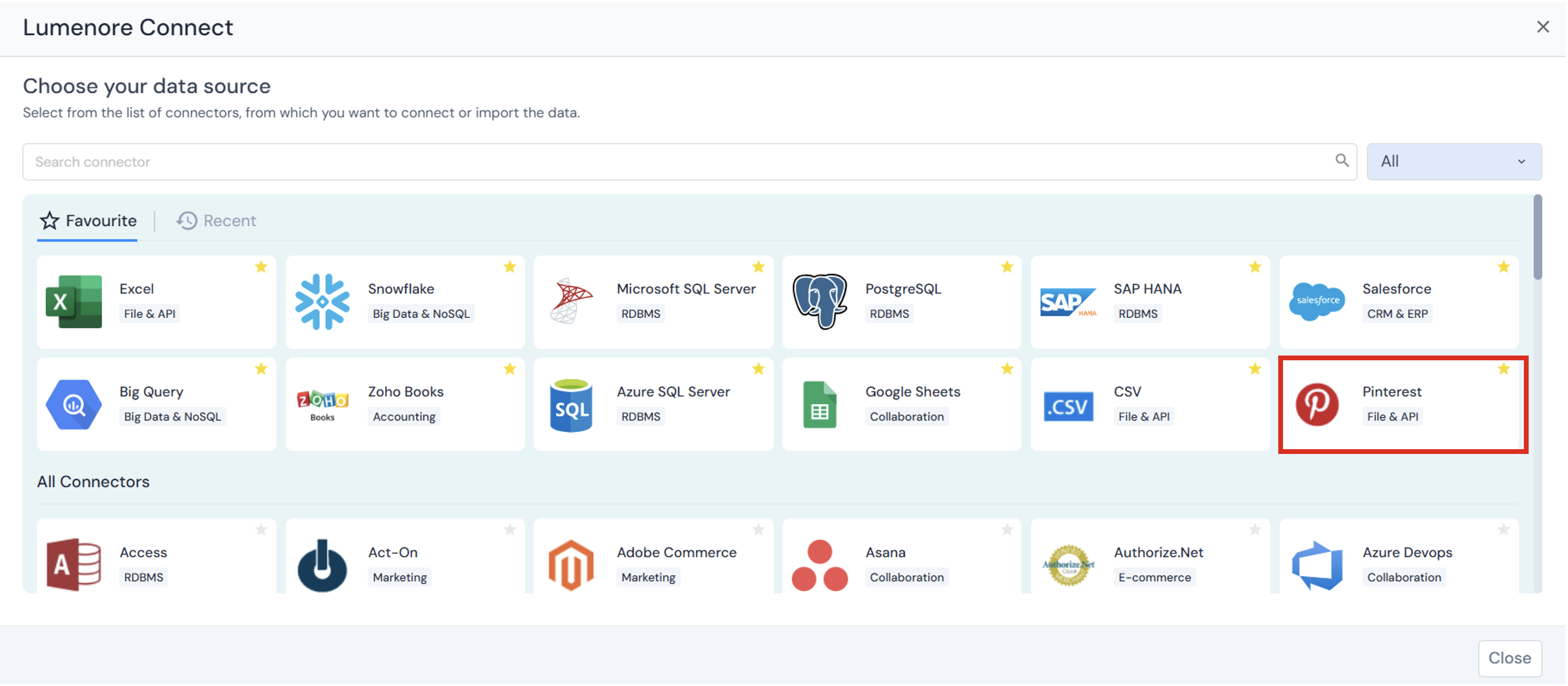
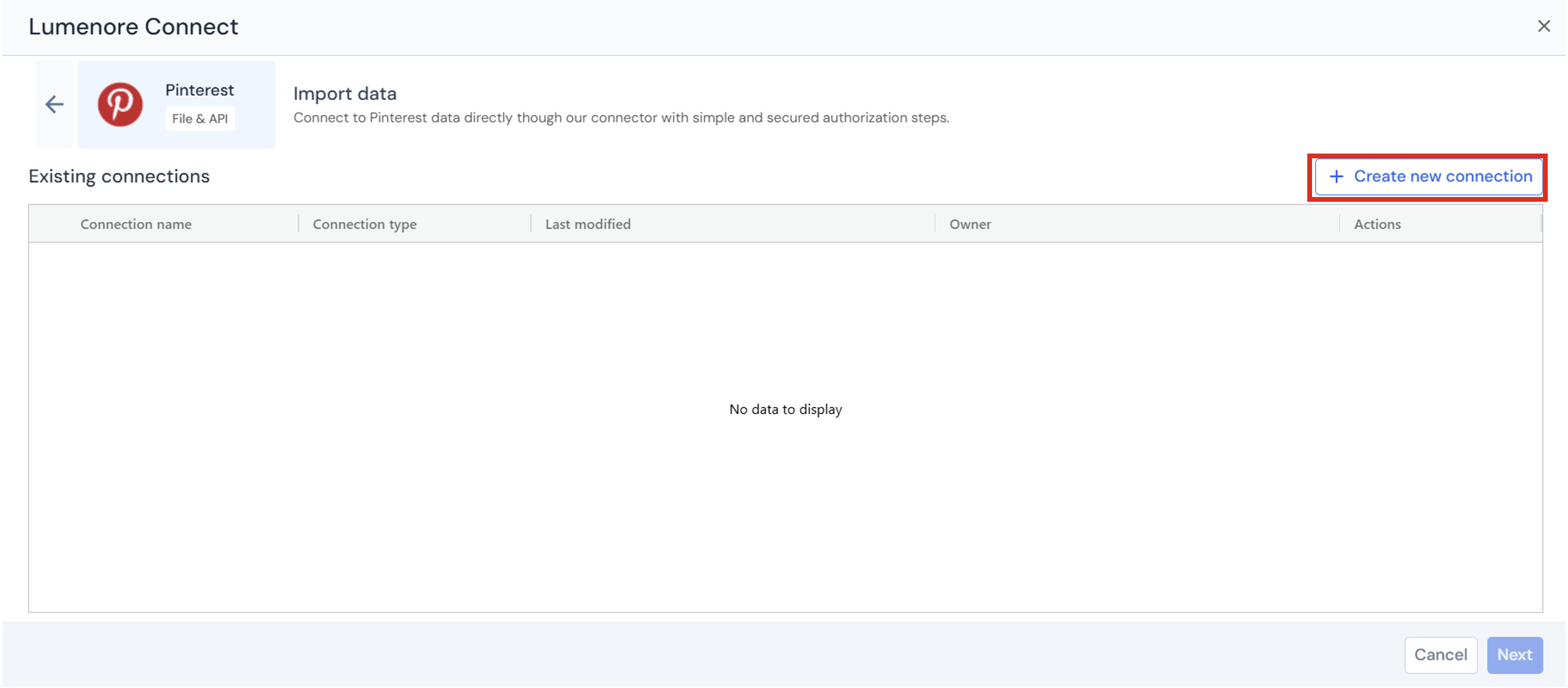
Step 2: Click Create New Connection to set up a new connection or select an existing connection to proceed.
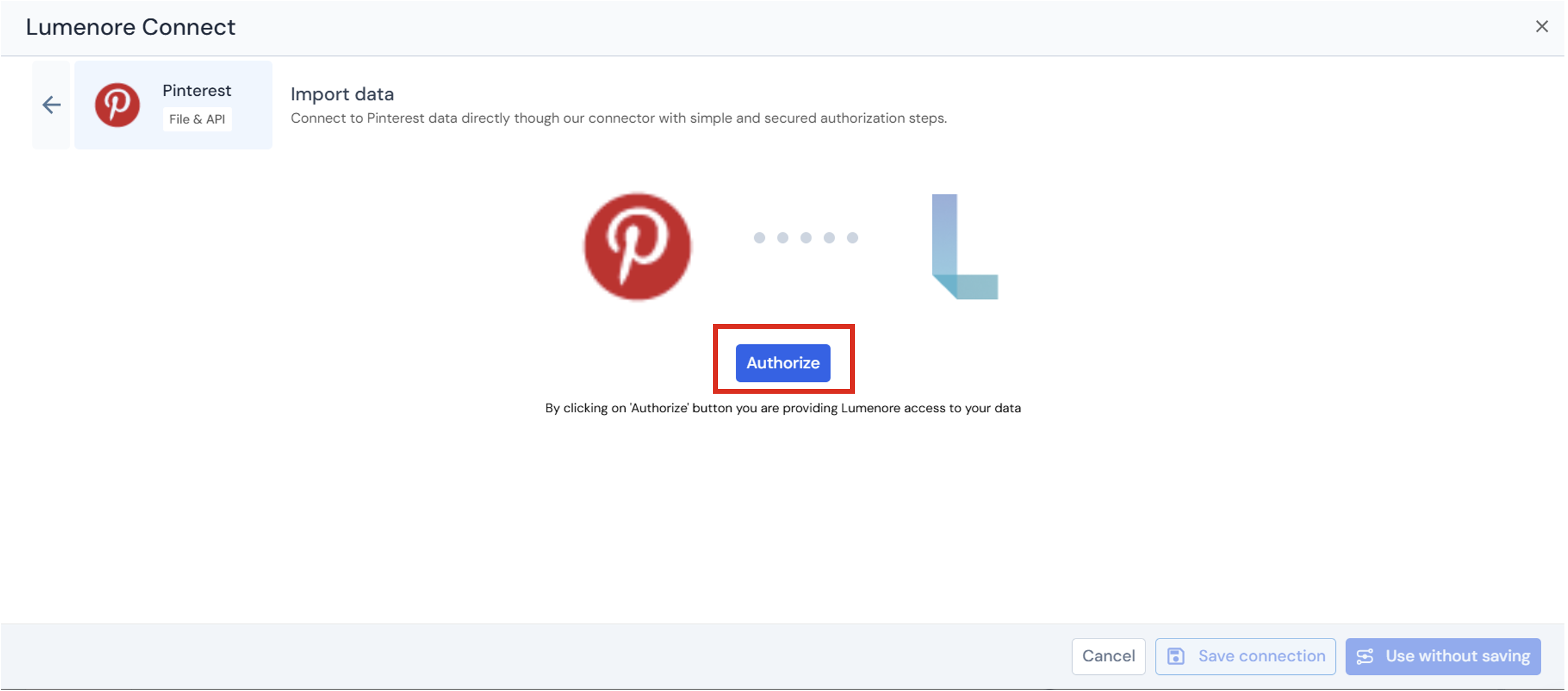
Step 3: Click Authorize.
Step 4: Provide account credentials.
Step 5: Once the account is selected or created, a success message confirms the authorization. Provide a connection name, then continue using the connection with or without saving it.
Step 6: After saving, the connection appears in the existing connections list.
Note: When the user clicks the three dots under the Action column, the options Use This Connection, Modify, or Delete are displayed. To start using a connection, select it and click Next.
Step 7: Select the connection and click Next.
Step 8: Select the table you want to export to the Lumenore database. You can also view the data by clicking the Preview tab.
- Preview table data:
Preview table data lets you quickly view a sample of records from the selected table before proceeding.
- Filter data:
The Filter data section allows you to restrict the rows loaded from the selected table based on specific conditions.
- Transform data:
The Transform Data tab below provides options for cleaning and enriching your data before loading it into the database.
Step 9: Click “Save Dataset” to complete data ingestion.
Step 10: Provide the Dataset name and description (optional). Click Ok.
Step 11: A “Dataset saved successfully” message is displayed. After this, the user can cancel and start using the dataset or create a schema by clicking the Create Schema option.
